TRC20, ERC20 and BEP20 are not economy, standard and express delivery options, and waiting longer will not move a transfer to a different blockchain. Choose from networks the recipient accepts, then select the matching network at the sending end.
Read the full name beside the abbreviation
These labels come from token standards. Interfaces often associate ERC20 with Ethereum, TRC20 with TRON and BEP20 with BNB Smart Chain. Read the full network name: ERC20 is also used on compatible networks, so an abbreviation alone is insufficient.
Tokens with similar names may have different issuers or bridged versions. Tether's protocol and contract information helps identify issuance, but it is not an exchange's supported-deposit list. It also includes historical information about discontinued protocols; do not treat every listed network as currently supported.
Interfaces also write these names inconsistently. Some pair them as Tron (TRC20), some show only the abbreviation, and some offer an auto-match option. Auto-match works from the address format it recognises and does not know which chain the other account actually accepts, so treat it as a hint rather than an answer. What has to line up is still the full name printed on each of the two pages.
Find the overlap between sender and recipient
Open the actual account's USDT deposit page and read its available networks. Match those to the sending form. Ten outgoing choices are irrelevant if only one is accepted at the destination. Check that deposits and withdrawals are currently operating; a visible address can remain on a page during maintenance.
A · B
B · C
If the names are unclear, give official support both complete options and ask whether they refer to the same network. An exchange deposit and the same brand's self-custody wallet may have different support. If there is no common route, do not choose the closest-sounding name. A conversion or bridge needs its own cost and compatibility checks.
A wallet and an exchange account raise different questions
“Which networks does it support?” gets answered differently by the two kinds of recipient.
An exchange account answers on its own deposit page, item by item, and can change that list without telling you. Whether this transfer can be received is settled by the state of that page right now. A self-custody wallet raises two questions instead: whether the wallet supports the chain, and whether you hold the native coin that pays fees there. An address can display a balance you are then unable to move. Checking the second one before you send saves the later stretch where funds sit in view and stay put.
Why the same 0x address can show different balances
Because the address is one and the ledgers are two.
Ethereum and other EVM-compatible networks can use the same address format while keeping separate transaction and balance records. A token sent on one network does not automatically appear on another.
Think of the address as a street number and the chain as a city. The same number exists in both cities and belongs to a different household in each; a parcel delivered to the wrong city is not forwarded because the number matched. The comparison is imperfect, since chains have no post office to redirect anything and usually no return-to-sender step either, which makes the mistake costlier than a misrouted package.
Switching a wallet's displayed network changes what you see; it does not move the asset. Nor can changing your own wallet view make an exchange credit its address. Even with self-custody, the address type and wallet support matter. Use the wrong-network guide if you have already sent funds.
Compare costs only after compatibility is established
Cheapest is not the only way to sort them.
Of two workable networks, one may want more confirmations, another may set a higher deposit minimum, and a third may be inside a maintenance window. What deserves comparing is the whole set for this transfer: quote, expected receipt, minimum, confirmation requirement and the current service status at both ends. Ranking by fee alone makes it easy to pick the cheapest chain that happens to be unavailable today.
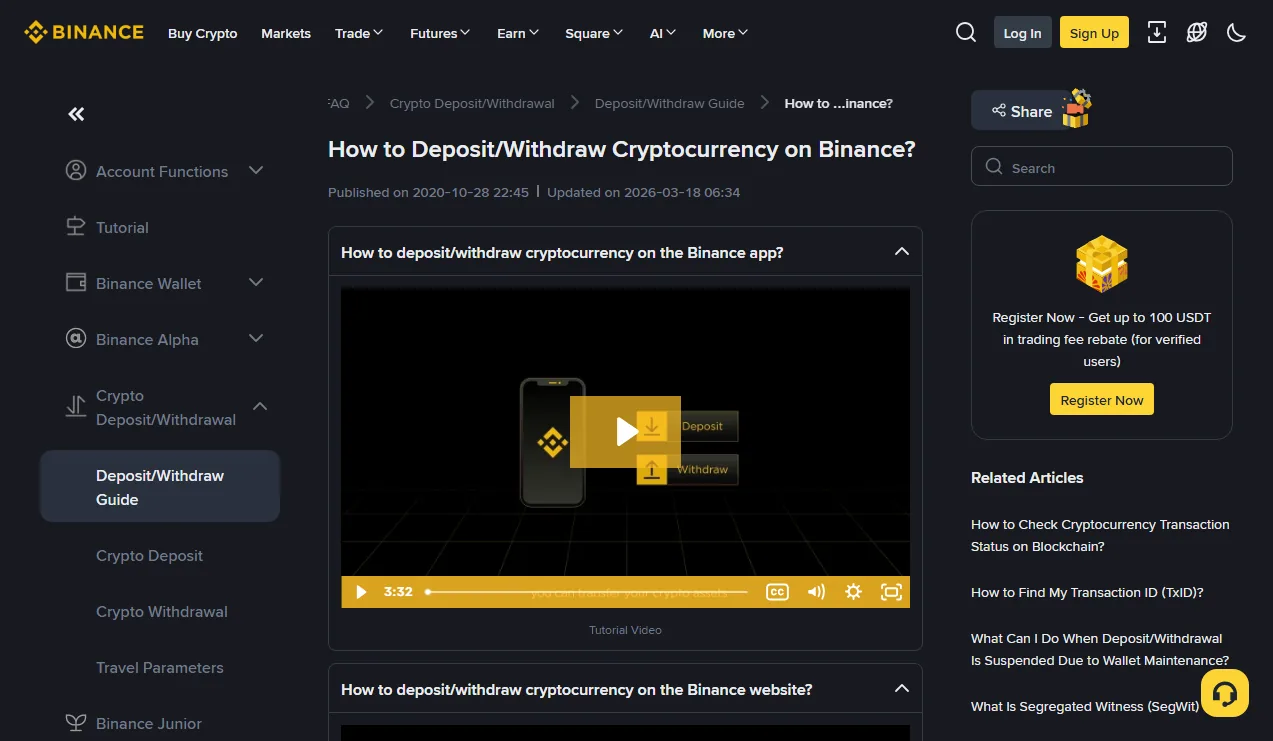
For the remaining routes, compare current withdrawal quotes, expected receipt, deposit minimums and confirmation requirements. Binance's deposit and withdrawal guide provides context; current account options determine availability.
Check whether fees are deducted or paid separately. Include any real conversion or bridge costs instead of comparing only the last step. A small test still needs to meet the receiving minimum after fees. The calculator can compare your inputs, while the first-transfer guide covers the remaining checks.