Open the receiving page before filling out the sending form. Confirm the asset and network, copy the address and required memo, check what will arrive after fees, then review the final confirmation. A cheap network is useful only if both sides support it.
Already sent the transfer? Go to checking arrival. Use the checklist as you go: transfer checklist.
What does the recipient actually accept?
Decide whether you are sending to an exchange account, your own self-custody wallet or someone else. An exchange supplies deposit conditions. A wallet requires the right network and asset version. With another person, you also need to verify who is asking for payment.
Select USDT and the intended network on the current receiving page. Read the text around the address: supported asset, memo or tag, minimum credit, maintenance notices and confirmation requirements. Do not copy only the middle line and lose the conditions above and below it.
An address that worked last month may have different receiving conditions today. If a contact suddenly supplies a replacement address, verify the change through an already trusted channel. A test transfer can show that money reached a destination; it cannot prove that the person messaging you is genuine.
Match the full network name on both sides
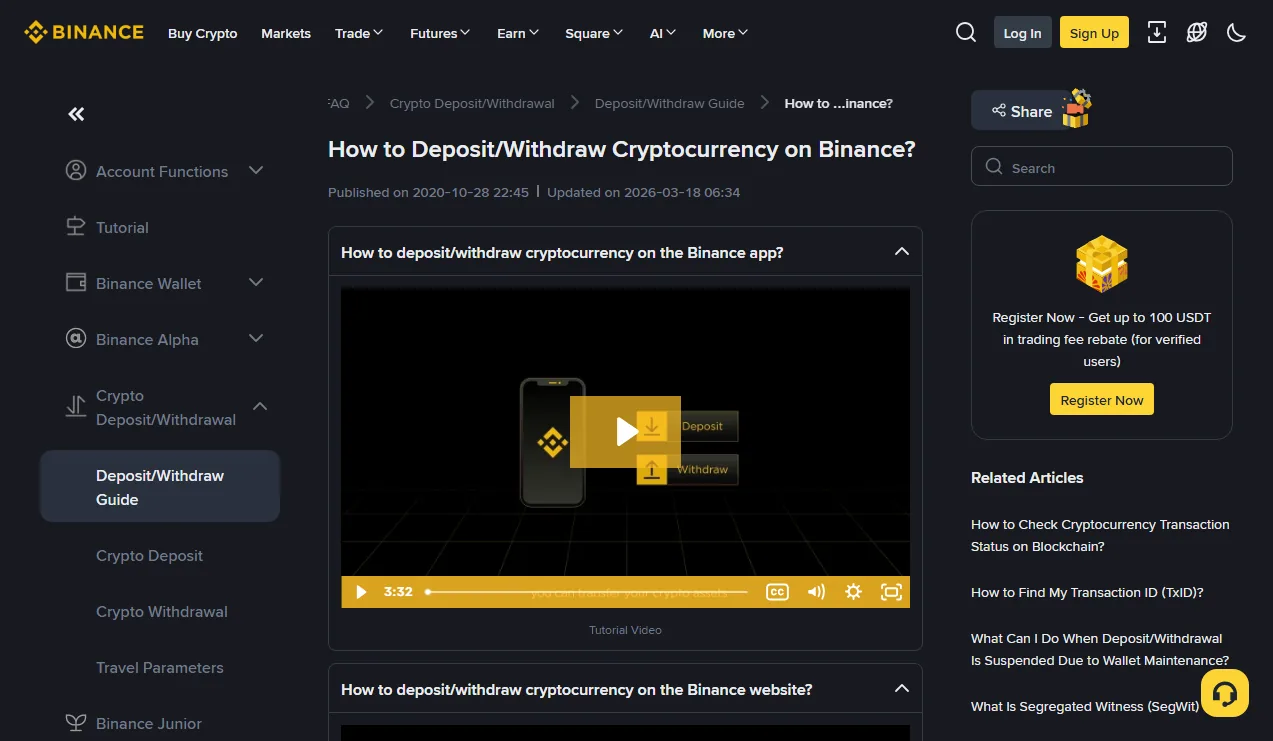
Binance's deposit and withdrawal instructions explain network selection. Compare the actual blockchain, not only the coin name or an abbreviation. Several networks can use the same 0x address format without sharing balances or an exchange's deposit support.
First exclude networks the recipient does not accept. Then compare available routes. An Ethereum deposit requirement cannot be replaced with BNB Smart Chain just because the same address passes the sending form's format check. Read TRC20, ERC20 and BEP20 network labels if the options are unclear.
Asset versions matter too: native issuance, bridged tokens and unrelated tokens can share a display name. Use the recipient's supported asset and network combination. If no direct route is supported at both ends, stop. Conversion and bridging are separate operations with additional costs and risks, not a free adjustment to the withdrawal form.
Asset and network
Address and required memo
Net amount above the minimum
Sending status and transaction hash
Execution on the actual network
Credit in the receiving account
A simple way to compare network options
Suppose the recipient lists networks A and B, while the sender lists B and C. B is the only common option to investigate; a lower quote for C does not make it suitable. These are hypothetical options, not a current support list. After finding the intersection, still check the asset version, deposit availability and minimum.
Check the complete address and the memo
Copy from the page you have just verified. Compare the full pasted address in sections, including its middle. Checking only the first and last characters can miss a deliberately similar address. A saved address or one appearing in wallet history is not automatically trustworthy.
If the pasted address changes, stop using the device for transfers until you understand why. Repeated attempts with real funds are not a suitable diagnostic. A valid-looking address may still belong to someone else.
When a memo or tag is required, copy its exact value into the transfer's memo field. An address nickname is only a label in your address book. Do not replace the required memo with your email, username or a random number. See how memo and tag fields work.
QR codes may contain only an address or may prefill other information. Read the actual result after scanning: asset, network, address, memo and amount. If the service asks for recipient information or a declaration, follow its current requirements truthfully; a tutorial without that screen does not remove the requirement.
Calculate the receipt, not just the amount entered
For an arithmetic example, suppose you enter 100 USDT and a fixed 1 USDT fee is deducted from it. The recipient gets 99 USDT. If the same fee is paid in addition, the recipient gets 100 and you spend 101. These are invented teaching amounts, not current exchange quotes.
Compare the net receipt with the receiving minimum. A test amount that only meets the minimum before deduction may not be credited. Check outgoing minimums and available balances too. If even a valid small test exceeds your budget, pause rather than increasing an exposure you did not intend.
Do not add a second gas estimate to an exchange's quoted withdrawal fee unless a separate operation actually incurs it. A self-custody wallet can require a native asset for fees; for example, Ethereum's fee explanation describes ETH-paid gas. A USDT balance alone does not provide that balance.
The fee calculator compares values you enter. It does not fetch rates or validate deposits. Convert fees paid in other assets to the same unit yourself, and check recipient charges that are not represented by the inputs. A stranger demanding an “activation payment” to a private address is not the same thing as a fee shown by your actual wallet.
Compare deductions and extra fees using the same budget
Continue with hypothetical numbers: a total budget of 100 USDT and a fixed fee of 1 USDT. With a deduction, entering 100 sends 99 to the recipient. With an extra fee, entering 100 costs 101, exceeding that budget. To keep the second route's total cost at 100, enter 99. Hold either total spending or the amount received constant when comparing; otherwise one route may appear cheaper simply because it sends less.
| Hypothetical goal | Amount entered | Total spent / received |
|---|---|---|
| Budget 100; fee 1 deducted | 100 USDT | 100 / 99 USDT |
| Budget 100; fee 1 paid extra | 99 USDT | 100 / 99 USDT |
| Receive 100; fee 1 deducted | 101 USDT | 101 / 100 USDT |
If we also assume a receiving minimum of 100 USDT, the first two rows fail that requirement. Do not assume a later small payment will be combined with the first to meet a minimum; the recipient would need to support that handling. The table includes only one fixed fee, with no other charges, and provides no current minimum. For real quotes, check units, decimal places and the final confirmation.
Make a small test useful
Use the same asset, network, address and memo intended for the main transfer, at an amount meeting both ends' requirements after fees. Then confirm the deposit in the receiving account. A screenshot showing that the sender submitted a request is not evidence of credit.
Testing and the main transfer may each incur a fee. Record both quotes rather than assuming the second will be identical. If the recipient changes the address, network or memo after the test, the earlier result does not validate the new instructions.
If the test is missing or unclear, stop the main transfer and investigate. Sending a larger amount will not push the first one through. Keep its transaction record and use the missing-deposit checks. An address whitelist can restrict destinations but does not replace testing or recipient verification.
Read the final confirmation slowly
Compare the asset, network, full address, memo, entered amount, fee method and expected receipt with what you intended. If anything changed, go back before submitting. Reaching the last screen creates no obligation to continue.
Approve only a verification request you initiated. Read its operation details; do not approve a surprise request to “cancel” it. A wallet transfer also should not unexpectedly become an instruction to connect to an unfamiliar site or grant broad token permissions. Understand the requested action before signing.
After submitting, inspect the outgoing record before retrying a slow page. A failed browser request does not always mean the transaction was never submitted. If an order already exists, follow that record instead of creating a duplicate.
Follow three separate records
The sender reports request processing. The blockchain reports execution on that network. The recipient reports whether its crediting conditions have been met. Different status words across these stages do not by themselves mean funds are lost.
- Sender: find the correct transfer and its transaction hash, if available. An internal order number is not necessarily a blockchain hash. Binance internal transfers have an internal ID instead of a blockchain hash; keep that ID for support.
- Blockchain: use an explorer for the actual network. Check status and token-transfer details, including the asset, amount and receiving address. A contract call's headline value is not necessarily the USDT transfer amount.
- Recipient: inspect deposit history, required confirmations, asset support, minimums and memo. A successful blockchain transaction is not proof that an exchange has credited your account.
Use the current platform processing guidance rather than another person's arrival time. If the network or memo was wrong, do not send more. Confirmed transfers generally cannot simply be recalled by the sender; any assistance depends on control of the destination and the receiving service's actual recovery scope.
Internal and on-chain transfers have different lookup paths
Using the same platform on both sides does not prove a transfer was internal. Read the actual order label and selected sending method. The official internal-transfer guide shows an internal ID that the recipient can compare with their own account record. If the order used a blockchain route, investigate the real network and hash; matching platform names do not turn that transaction into an internal entry.
A self-custody wallet adds a display question. First check the receiving address and token movement on the correct network's explorer, then check which network and token the wallet is showing. An empty balance list is not a reason to give a stranger your recovery phrase, connect to a “balance synchronisation” website or sign an approval. Public address lookups do not require those secrets or another payment.
Consider a hypothetical support case: the sender says completed, the explorer shows the correct address receiving the token, but the exchange has no deposit entry. Compare its receiving conditions with that transaction; editing the old sending form will not alter what happened. If you have only an internal order number and the sending page still says processing, ask the sender about that record first. Explain where each piece of evidence appears.
“How much longer?” rarely has a fixed answer.
Chains produce blocks at their own pace, and a busy period slows the same chain down. The receiving side then sets how many confirmations it wants before crediting, a requirement that differs between services and can be adjusted. Last week’s few minutes is not a promise about this transfer. Two things can actually be checked: how many confirmations this transaction has now, and what the receiving page currently requires. With both numbers in hand, waiting has an endpoint to compare against instead of a refresh button.
What to keep for a support request
Keep the asset, network, amount, full destination, required memo, sending record and transaction hash. Explain which page shows which status. A confirmation screen captured before submission is not a payment receipt.
Send complete records through verified official support only as needed. Remove identity documents, email, unrelated balances and security material from public screenshots. Never supply seed phrases or private keys for a public transaction lookup.
For the next transfer, reopen the receiving page. Today's records help explain today's transaction; they do not replace tomorrow's receiving requirements.